Note: this information will mainly only apply to customers who were using Orb before Pricebook was released. Due to this reason, this functionality may not show up in all Orb instances.
Overview
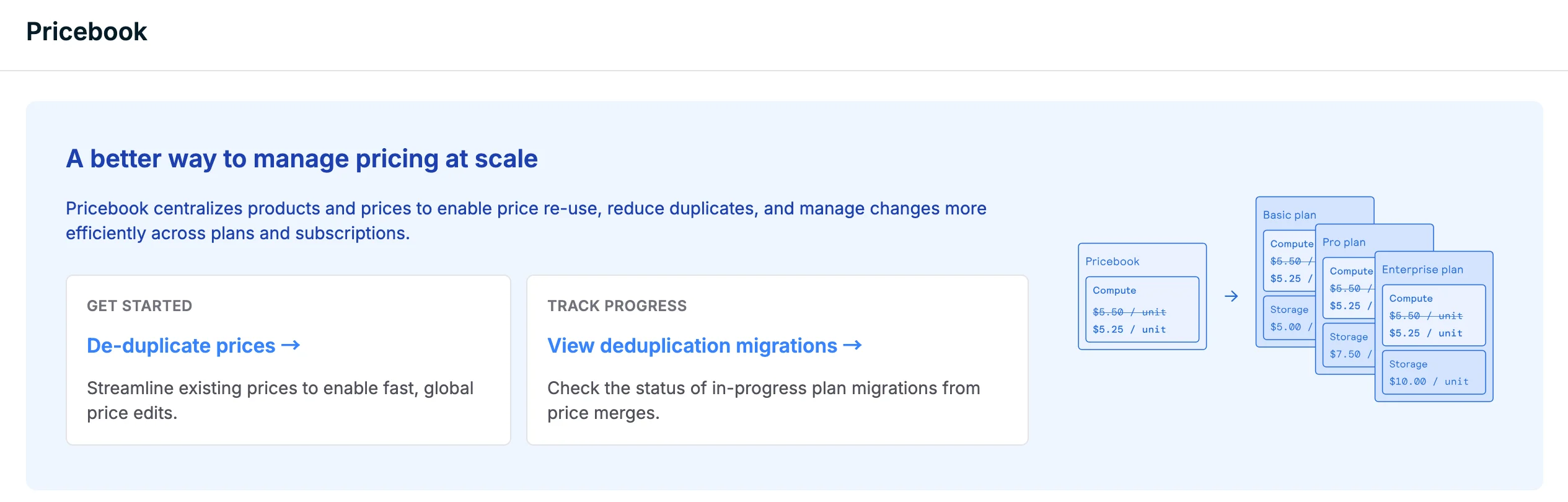
Orb provides a first class flow to de-duplicate prices that were created before the Pricebook functionality existed. This flow can be used to de-duplicate Prices on Plans.Note that Prices added outside of Plans are not able to be de-duplicated through this flow.
- Pricing model (eg. unit, tiered, etc.)
- Pricing rate (eg. $5 per unit of usage)
- Billing cycle (eg. monthly)
- Billing mode (in-arrears vs. in-advance)
- Price type (usage-based vs. fixed fee)
- Linked billable metric for usage-based prices
- Linked product
- Price name
- Price external ID
De-duplicating prices
Review duplicates
Proceed with de-duplication flow by selecting Review all. Each group of duplicate prices will be presented on the left-hand side for review.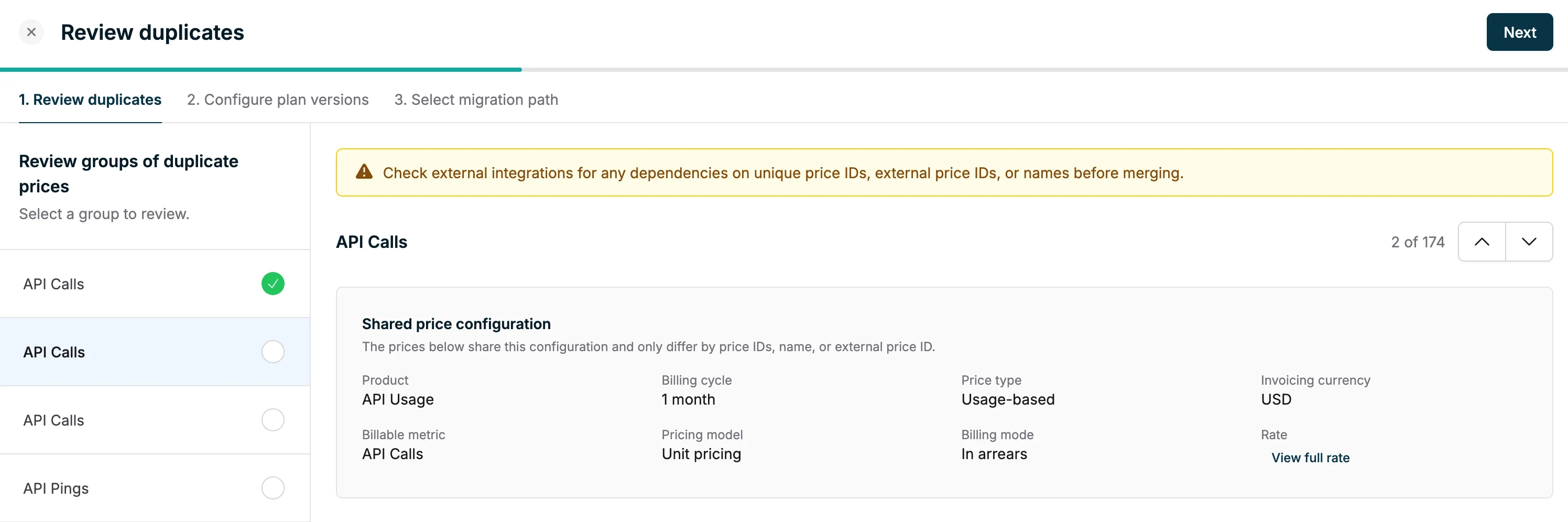
Select canonical price
Amongst the group of duplicate prices, select a price to keep as the canonical global price. Orb will archive the duplicate prices and replace them . You also have the option to exclude prices from the merge by clicking into the (⋮) menu on each price.Configure plan version
To de-duplicate prices, Orb will automatically enqueue plan version migrations that will help consolidate the prices across all plans. As part of this step, you can decide whether to set the new plan version as the default version.version.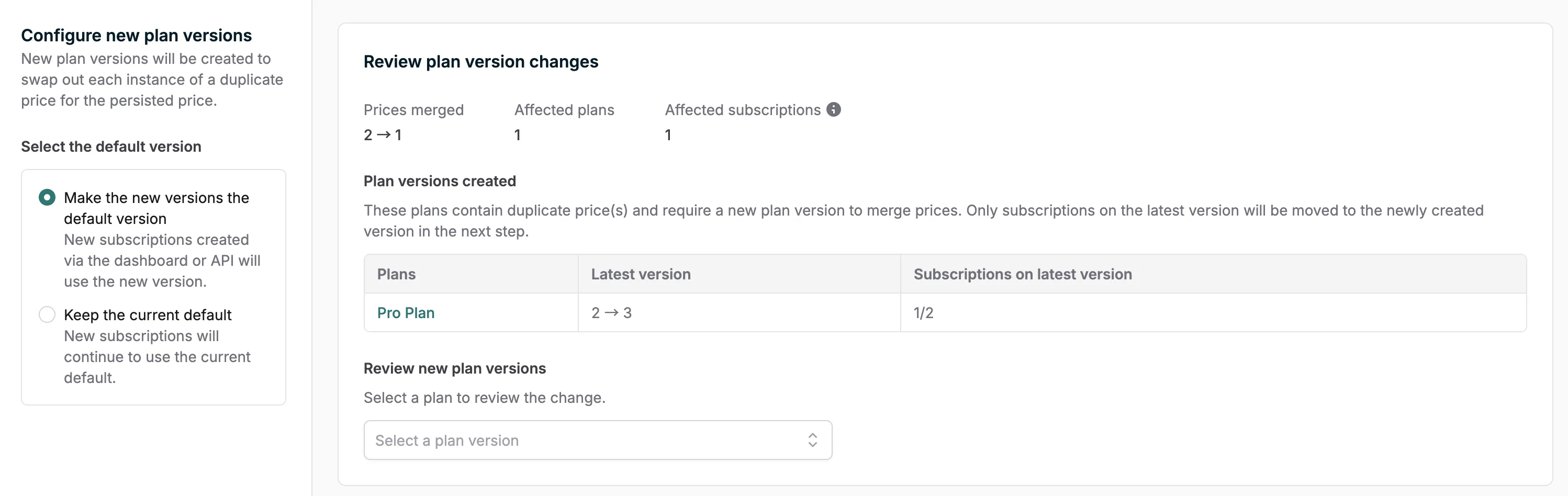
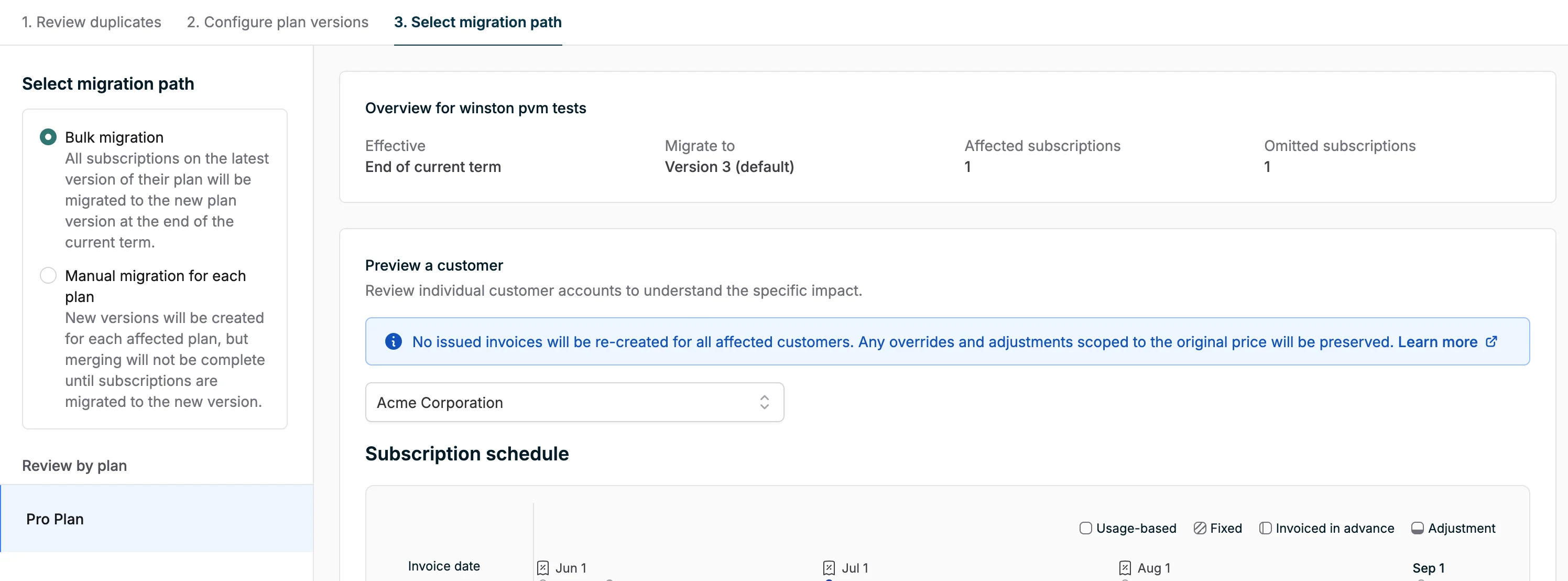
Select migration path
Lastly, you can decide how you want to enqueue these plan version migrations. If desired, Orb can automatically start plan version migrations as part of these de-duplication process. You can also configure Orb to not start any plan version migrations. In this case, it will be up to you to enqueue these migrations yourself.