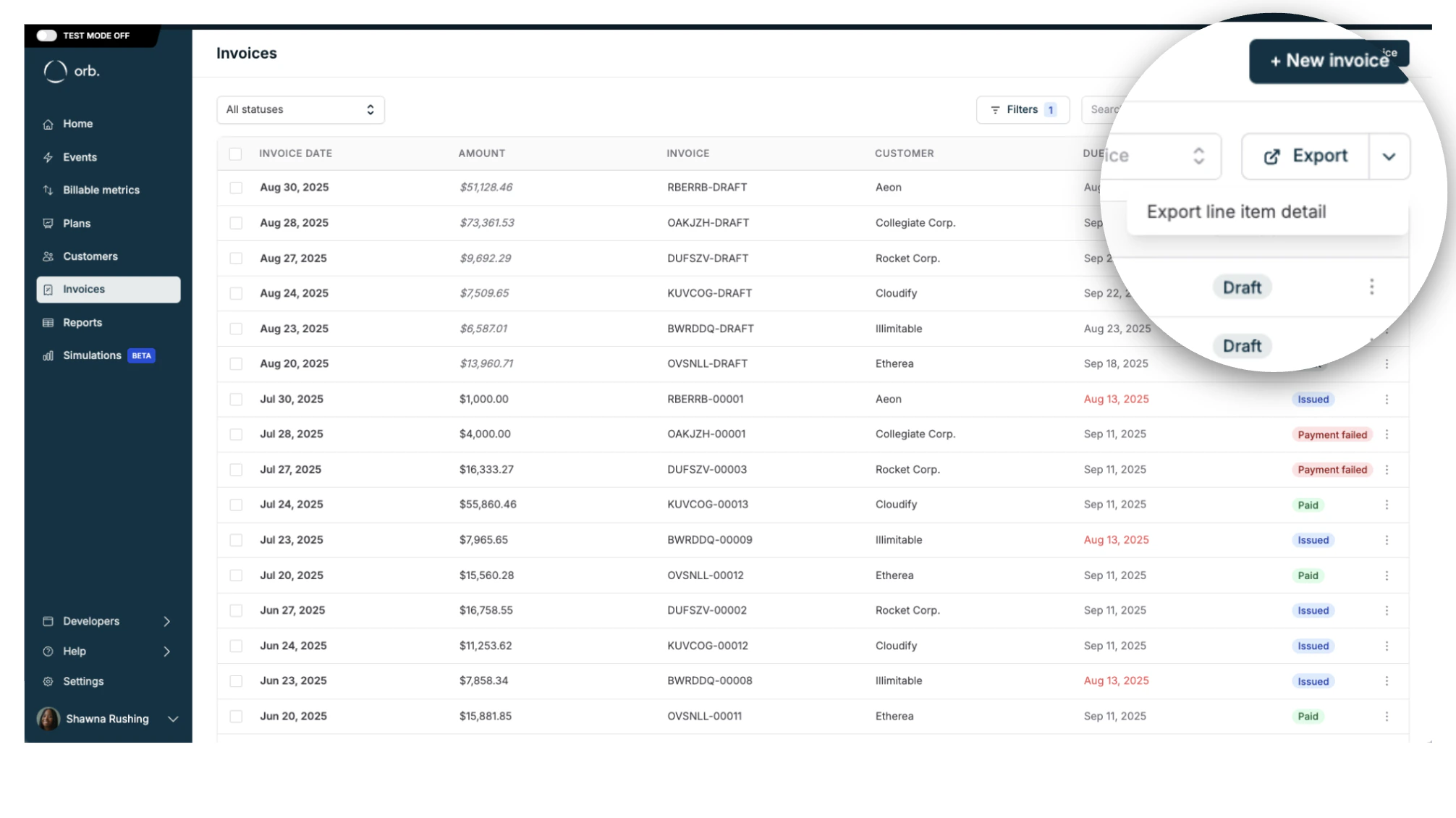
| Invoice ID | The ID of the invoice. |
| External customer ID | The external ID of the customer. |
| Customer ID | The Orb ID of the customer. |
| Customer name | The name of the customer. |
| Invoice number | The identifying invoice number. |
| Invoice date | The invoice document date set on creation. (MM/DD/YYY) |
| Due date | The time the invoice must be paid by. (MM/DD/YYY) |
| Memo | The optional memo for the invoice. |
| Line item name | The name of the invoice line item. |
| Invoice line item start | The start date of the associated line item. (MM/DD/YYY) |
| Invoice line item end | The inclusive end date of the associated line item. (MM/DD/YYY) |
| Quantity | The quantity of the associated line item. |
| Gross amount | The subtotal, or list price, of the associated line item, before any adjustments. |
| Gross amount currency | The pricing currency of the associated line item. This can be a custom pricing unit. |
| Prepaid credits applied amount | The total amount of credits applied to the associated line item. |
| Prepaid credits applied amount currency | The pricing currency of the credits applied. This can be a custom pricing unit. |
| Net invoice line item amount | The total amount of the associated line item, inclusive of all invoice calculations, excluding tax. |
| Net amount | The total amount of the associated line item, inclusive of all invoice calculations and credit notes, excluding tax. |
| Tax amount | The total tax amount applied to the line item. |
| Invoice currency | The real-world invoicing currency for this invoice. |
| Invoice status | The current status indicator for the invoice. |
| Subscription ID | The ID of the subscription. This value is null for one-off invoices. |
| Paid at | The time that the invoice was paid. |
| Plan ID | The ID of the plan. This value is null for one-off invoices. |
| Plan name | The name of the plan. |
| Invoice type | The type of invoice (one-off, recurring, partial). |
| Customer email | The email of the customer. |
| Credit note date | The credit note document date set on creation. (MM/DD/YYY) |
| Credit note ID | The ID of the credit note. |
| Credit note number | The unique identifier for credit notes. |
| Credit note amount | The total amount to be credited for the associated line item. |
| Credit note amount currency | The pricing currency of the associated line item to be credited. This can be a custom pricing unit. |
| Credit note type | The type of credit note (refund, adjustment). |
| Credit note reason | The reason for the credit note. (optional) (Duplicate, Fraudulent, Order change, Product unsatisfactory.) |
| Credit note status | The current status indicator for the credit note. |
| Credit note line item start | The start date of the associated line item to be credited. (MM/DD/YYY) |
| Credit note line item end | The inclusive end date of the associated line item to be credited. (MM/DD/YYY) |