Subscription history is preserved: When you change plans, the subscription ID remains the same, but Orb maintains a complete audit trail of every plan assignment. This allows you to see what plan a customer was on at any point in time and ensures accurate billing and revenue recognition.
Prorations for in-advance fees
If a plan change is for a customer that has already paid an in-advance fee, Orb will credit the customer an amount corresponding to the portion of the time period that was left unused using day-based proration. This amount will be added to the customer balance, which will be used by future invoices.When applying a subscription change with
mark_as_paid=true (indicating payment has already been collected), invoices are finalized directly to paid status without syncing to external invoicing providers or consuming existing customer balance. This workflow is designed for scenarios where payment has been collected out-of-band, such as through a checkout flow.
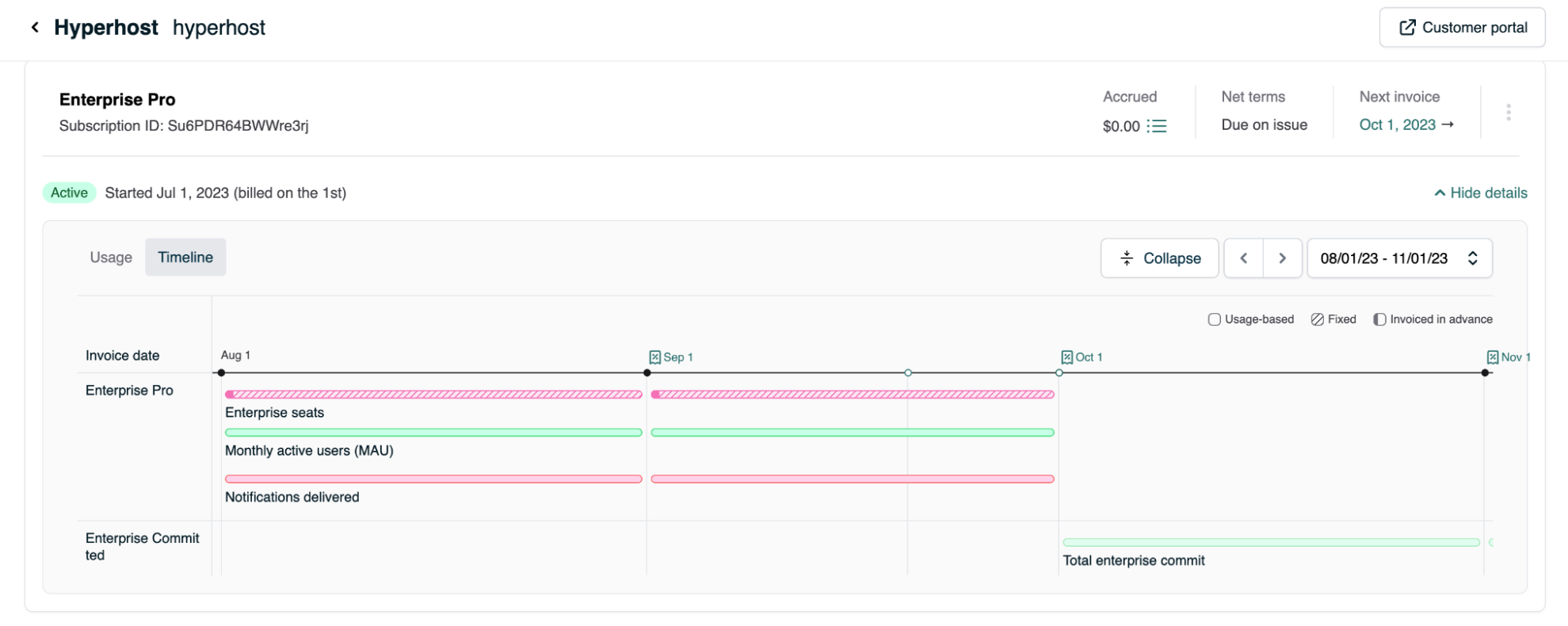
The following timeline illustrates the prorations, assuming that all subscriptions bill on the first of the month and prorate accordingly:
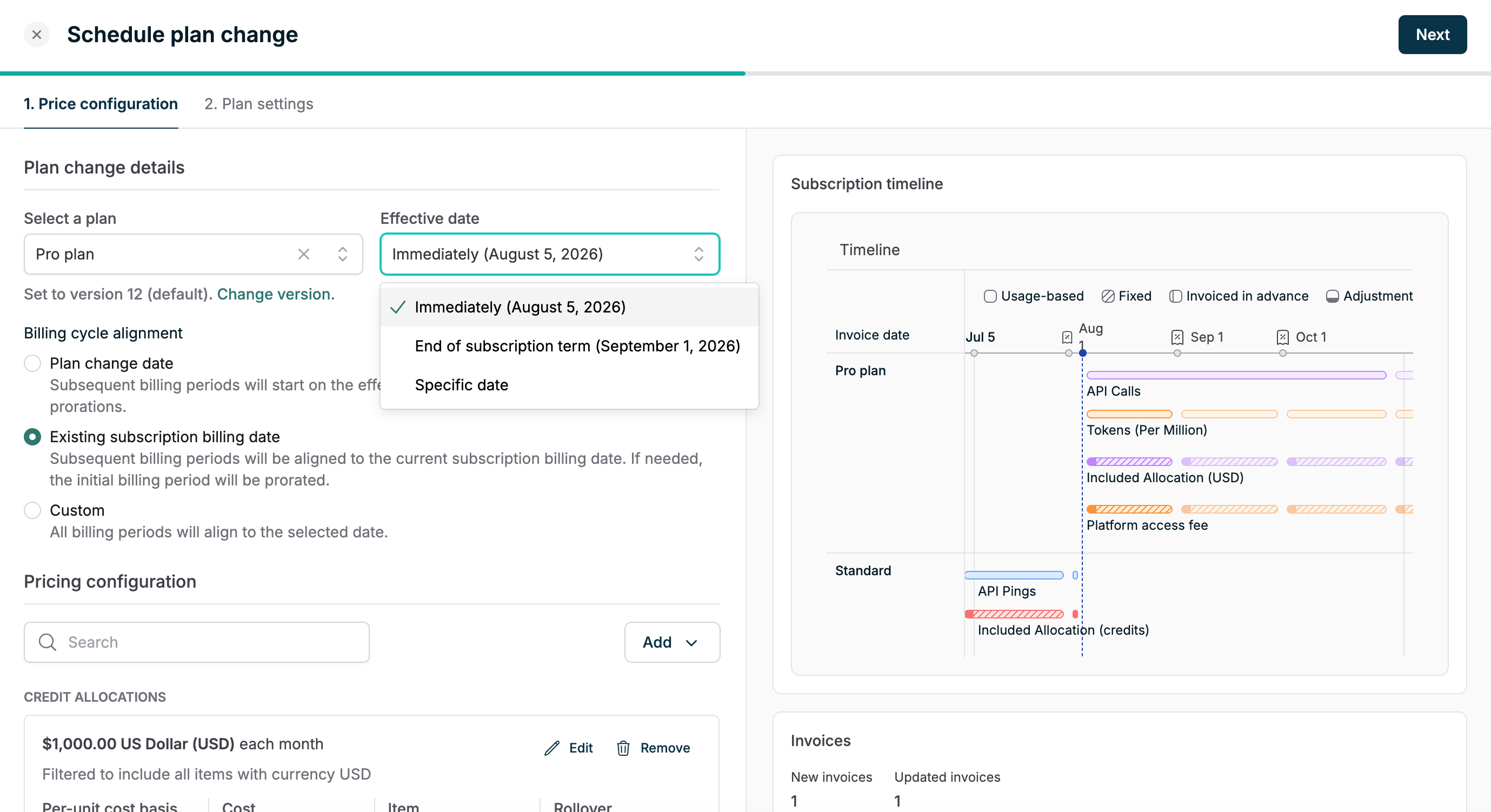
Scheduling plan changes
Orb’s web application supports changing a subscription’s plan immediately, on a requested future date (e.g. the start of a new contract), or at the end of the subscription’s current term (e.g. if the term represents a customer’s current commitment). This also provides an opportunity to change the subscription’s billing date, which can be modified to be the start of the new plan. Once a plan change has been scheduled, Orb will honor the change over any scheduled cancellations.