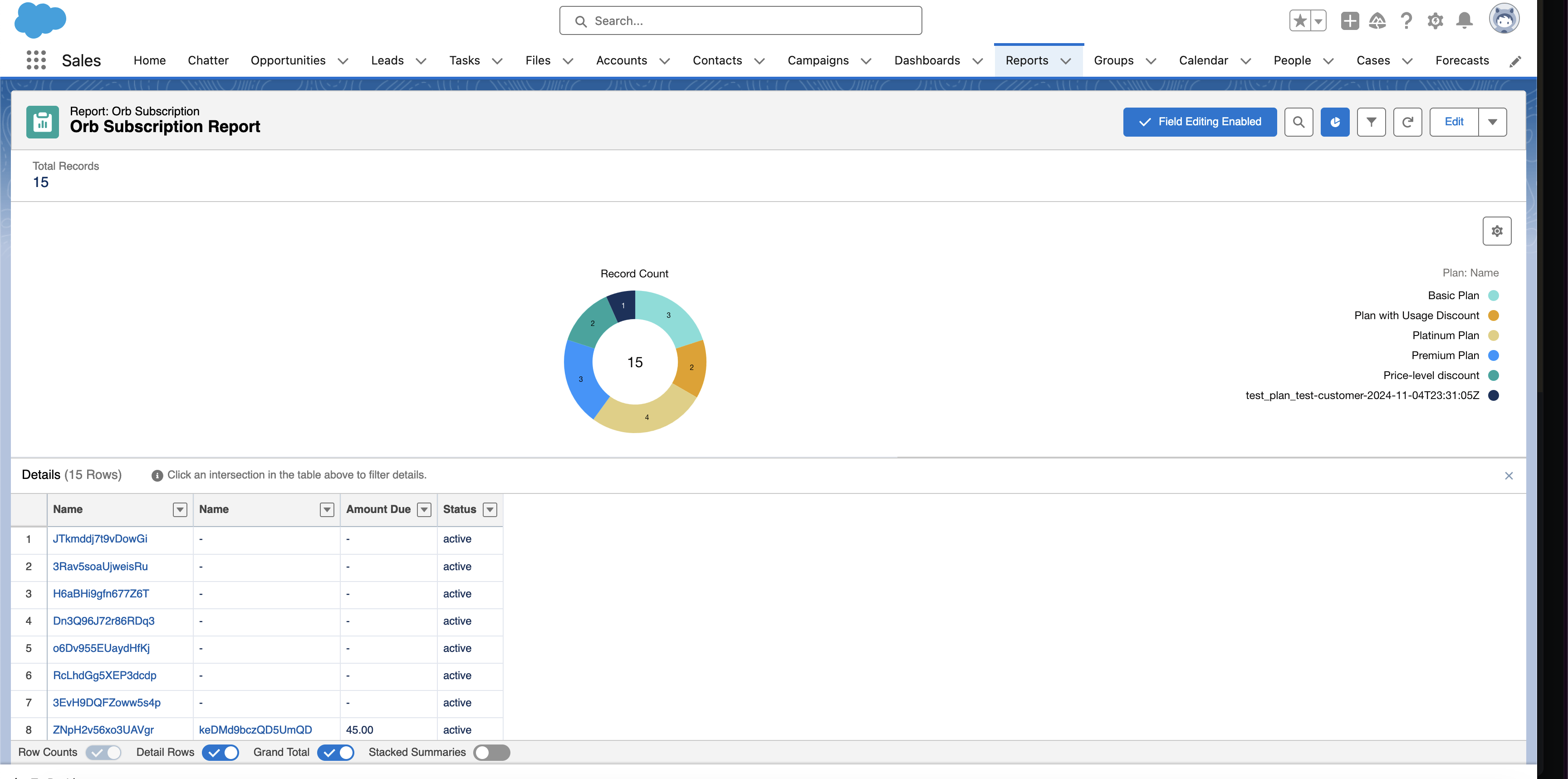
- Current subscriptions and product usage
- Invoice history and month-over-month trends
- Real-time usage patterns for upsell opportunities
- Credit balance and commitment tracking
How it works
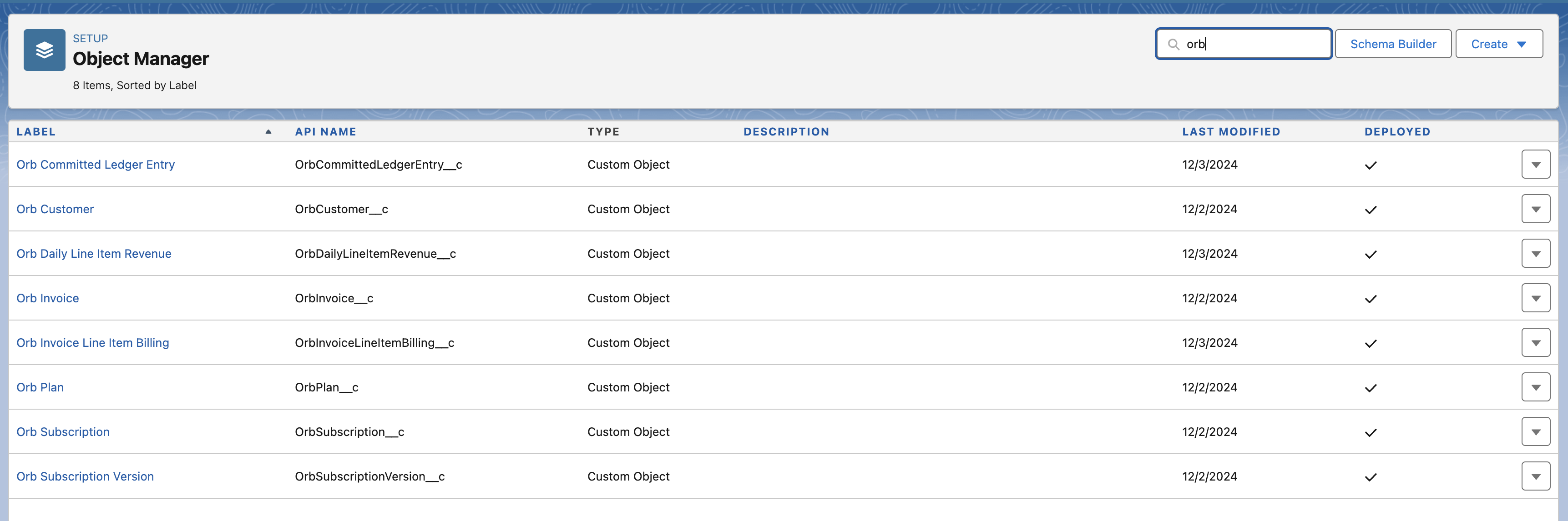
The Salesforce CRM integration creates a set of custom objects in Salesforce corresponding to Orb resources, as detailed below. After successfully authenticating a Salesforce instance, the initial sync will export all existing Orb data into Salesforce. After the initial sync, objects will be incrementally synced on a daily basis.
For schema object information refer to the schema page.
Setup
- Navigate to the Integrations page under Settings.
- Click “Connect to Salesforce” to configure the data sync.

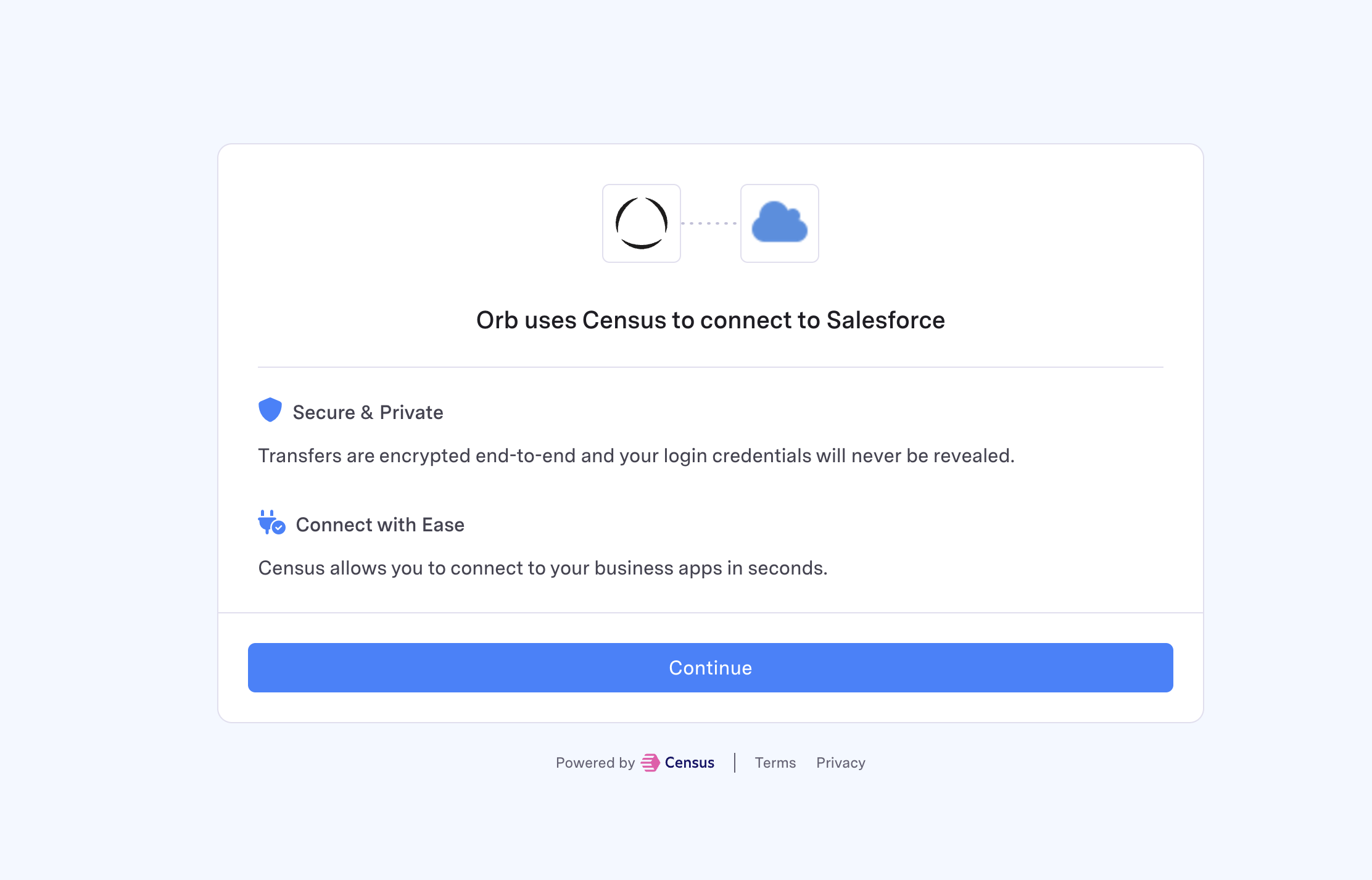
- Authorize Orb to connect to your Salesforce instance.
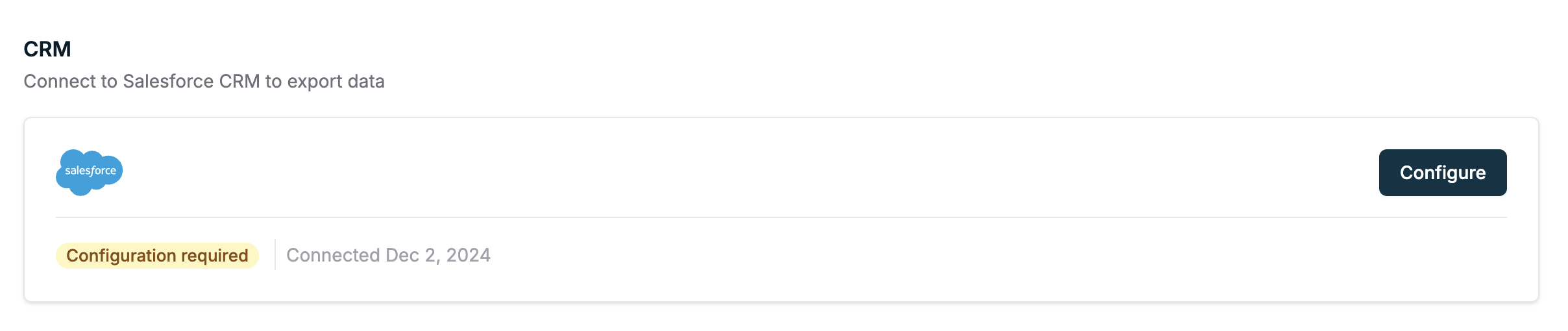
- After a successful connection, you can configure the sync.
Sync configuration
Orb allows configuring the data types exported to Salesforce. Orb recommends syncing a smaller set of objects to avoid data limit restrictions in Salesforce. Once the selection has been submitted, Orb will begin the initial sync process to create the objects in Salesforce and begin syncing over the Orb objects. The data type selection can be modified once the integration is active.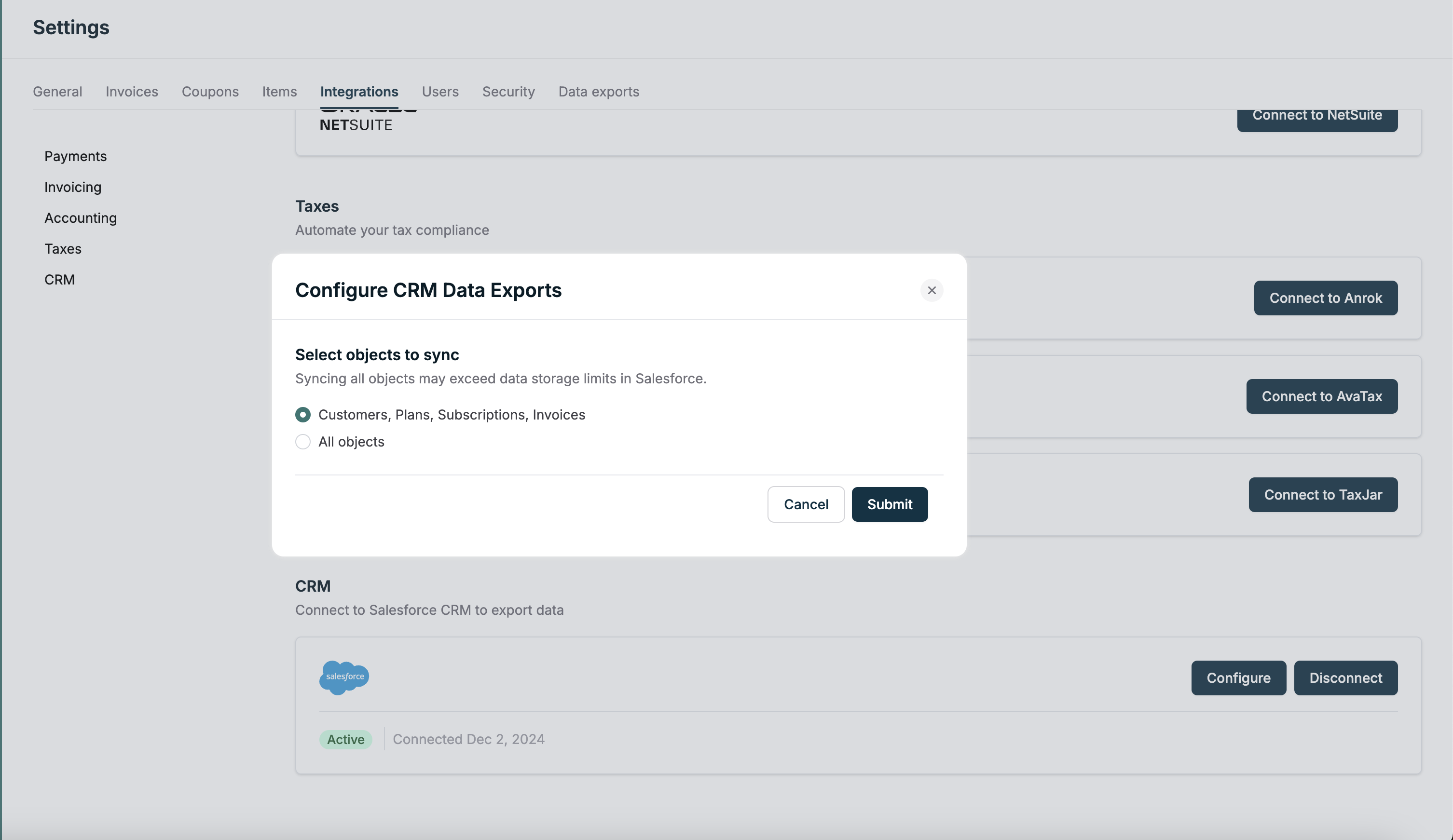
Viewing Data in Salesforce
Navigate to the Reports tab in Salesforce to view the synced data.